Skip to the maker
OutlineArt

Turn any photo into a paint-by-numbers kit

OutlineArt is a paint-by-numbers maker that runs in your browser. Pick a photo and choose how many colours you want. You'll get a numbered sheet to print on A3, A4 or US Letter paper, with a colour key for mixing your paints and a preview of the finished painting.

Make yours now

It's free, there's nothing to sign up for, and your photos never leave your device.

  1. Colour 1: 6 Yellow + 1 White + 1 Burnt sienna.
  2. Colour 2: 4 Yellow + 2 White + 1 Black.
  3. Colour 3: 4 White + 1 Black.
  4. Colour 4: 3 Green + 2 White + 1 Blue.
  5. Colour 5: 6 Burnt sienna + 5 Green + 2 White.
  6. Colour 6: 6 Yellow + 4 Blue + 3 Red.
  7. Colour 7: 5 Yellow + 5 Blue.
  8. Colour 8: 3 Green + 1 Burnt sienna + 1 Magenta.
  9. Colour 9: 5 Green + 2 Magenta + 1 Black.
  10. Colour 10: 5 Black + 3 White.
  11. Colour 11: 6 Blue + 5 Black + 3 Yellow.
  12. Colour 12: 6 Black + 1 Blue.
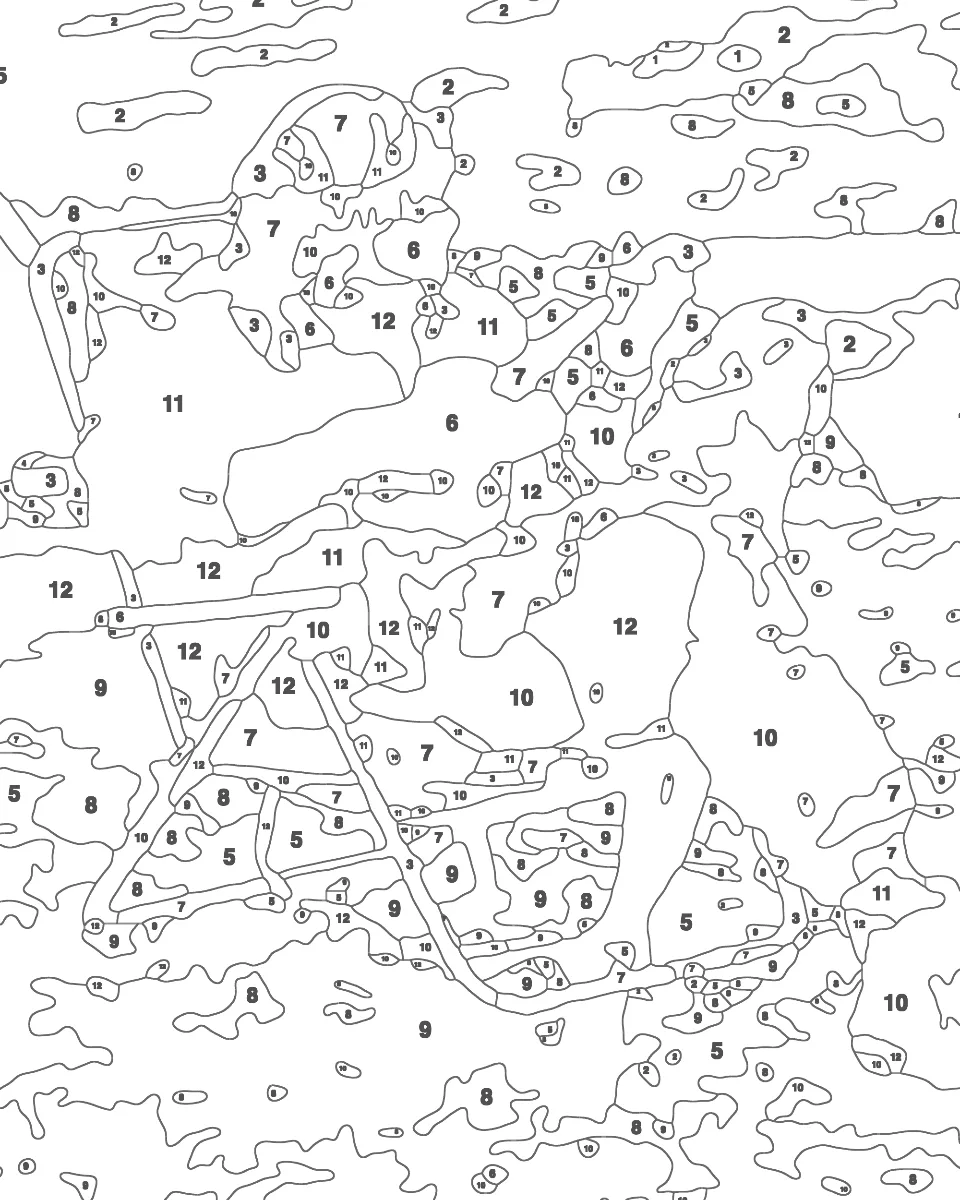
The 12 colours the example needs, numbered as on its sheet.
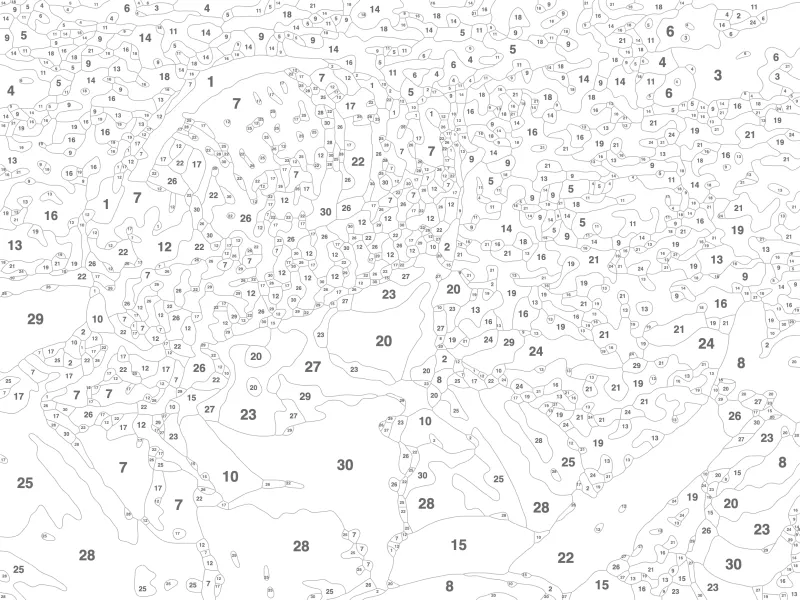
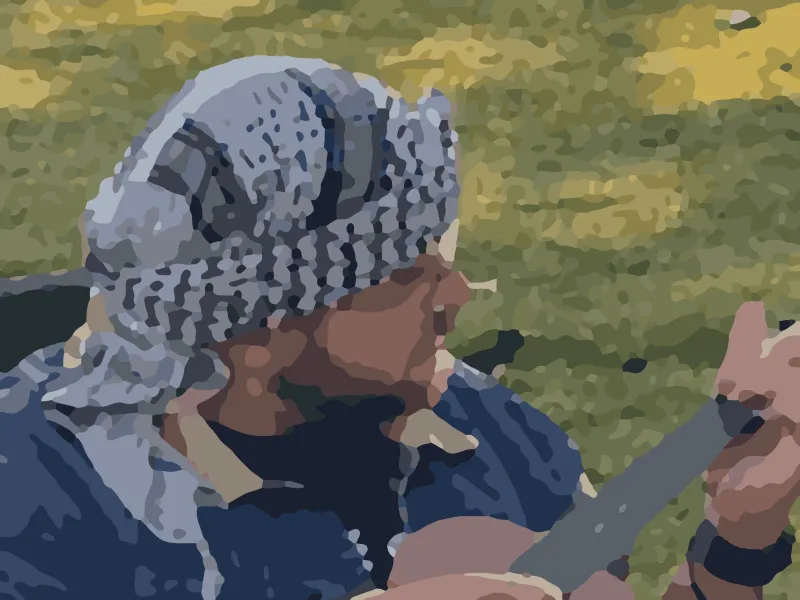
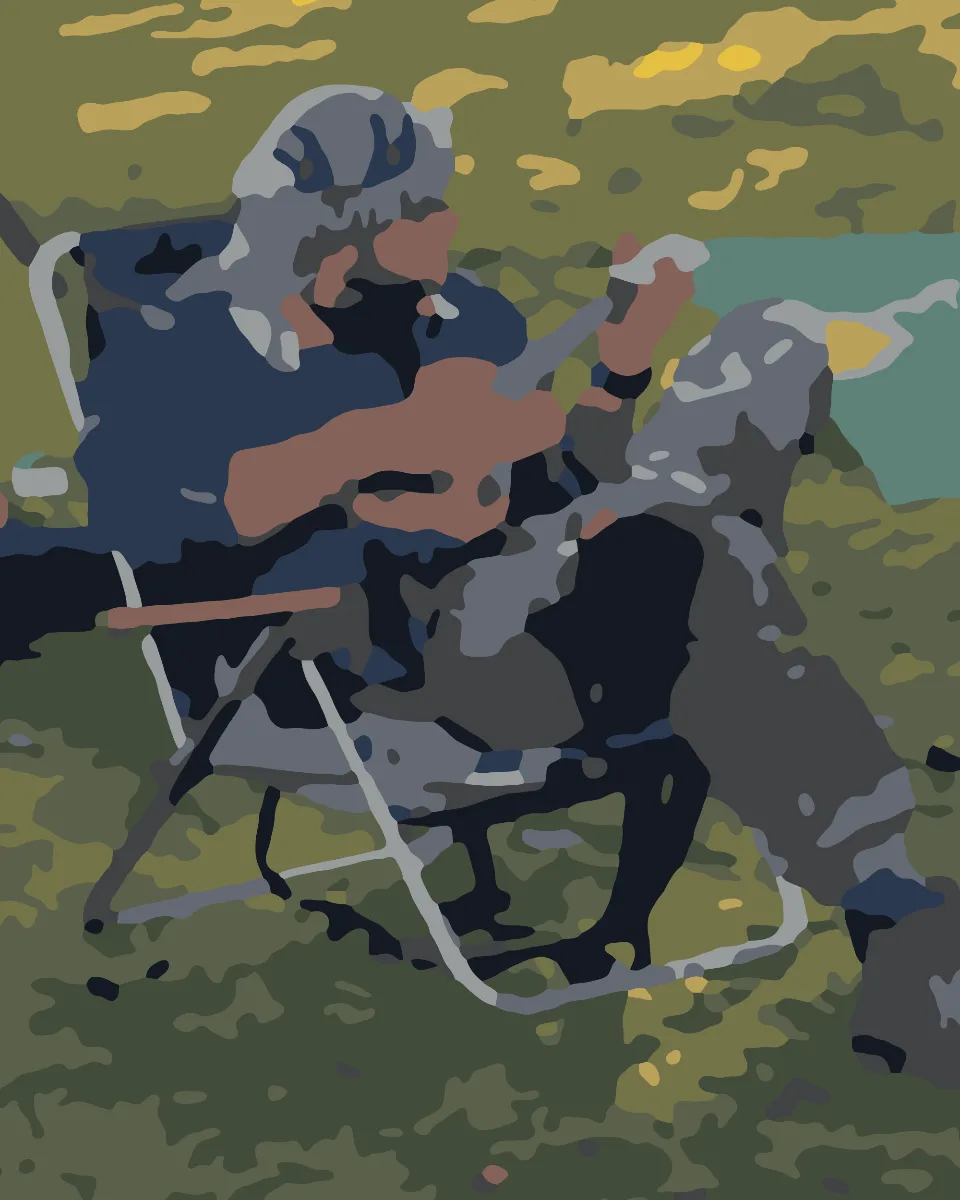
An OutlineArt result: a camping photo turned into a painted preview and a numbered paint-by-numbers outline
PaintedOutline
Made with OutlineArt from one of my own camping photos, in 12 colours. Drag to compare.

Make yours

You'll start with a sample photo. Swap in your own, frame it and tap Make my pattern.

Choose a photo

Showing a sample photo. Upload your own above.

Choose the paper and frame it

100%

Drag the frame or use the arrow keys to move it. The frame is exactly A3 (297 × 420 mm), so the print fills the page.

Colours and detail

24
Detail

New to this? Try 12 colours and Relaxed. For sharper faces, go for 24 or more with Fine, but expect lots of tiny areas.

Make and save

Your pattern will appear here.
How it works

You can go from a photo to a printable paint-by-numbers kit in under a minute. There's no account to create and nothing to install.

  1. The original photo: a camping sceneYour photo

    Upload a photo

    Pick a JPG, PNG or WebP, or paste one straight from your clipboard. Photos with a clear subject and good light work best. If there are faces, make sure they fill a good part of the frame.

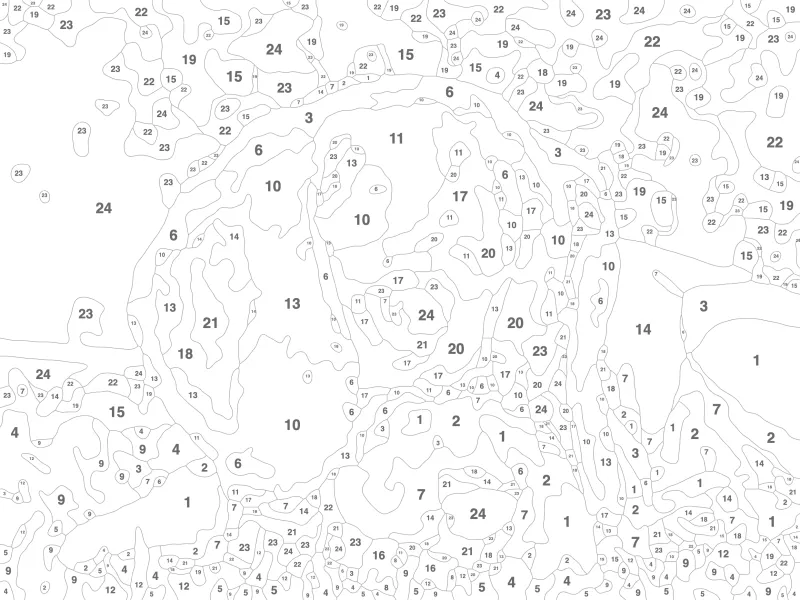
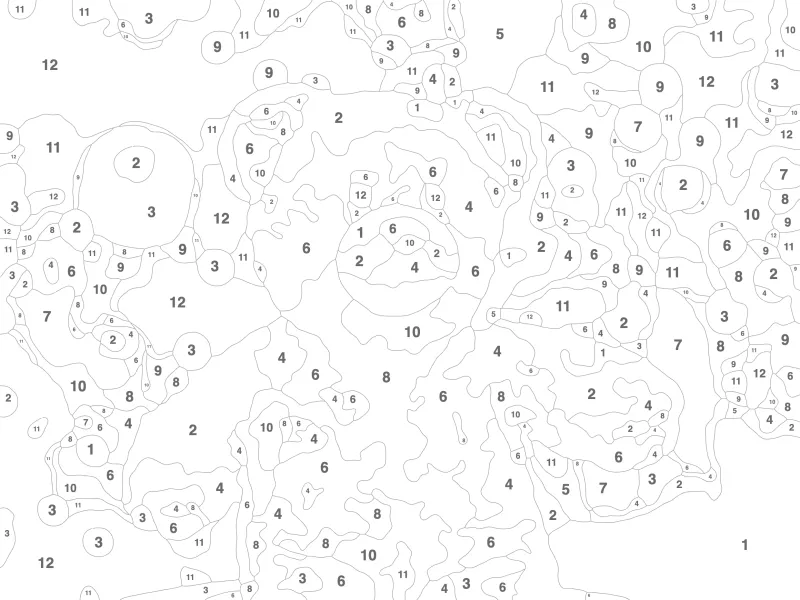
  2. The numbered outline made from itNumbered outline

    Frame it and choose the detail

    Choose A3, A4, US Letter or US Tabloid paper and drag the frame over the part you want. Then pick anywhere from 8 to 36 colours. If you're a beginner, fewer colours and bigger areas are easier.

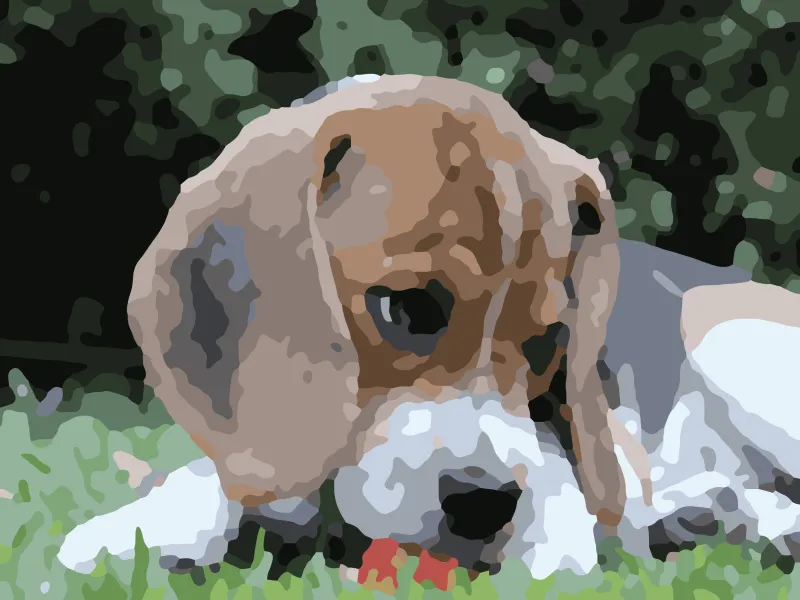
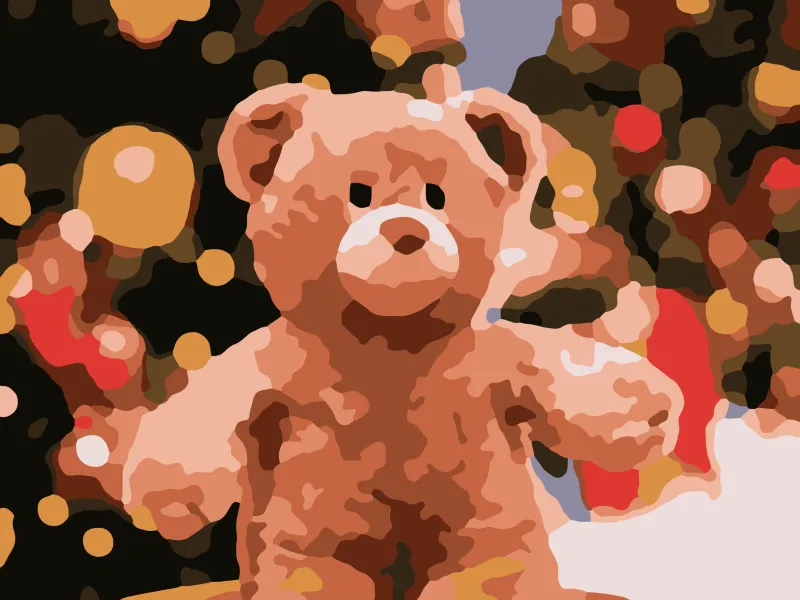
  3. The painted previewPainted preview

    Print it and paint

    Download a three-page PDF. You paint on the numbered outline, mix your colours from the recipes on the colour key, and keep the full-colour preview beside you as a guide.

Ideas and guides

Paint by numbers ideas for your pet, your kids or a family photo. Plus help with mixing your paints and printing the kit.

Questions

Quick answers about privacy, printing and paints.

  1. Is OutlineArt free?

    Yes. You don't need to sign up, there's no watermark, and you can make as many patterns as you like. If you'd like to help keep it that way, you can buy me a coffee on Ko-fi. Support OutlineArt on Ko-fi

  2. Are my photos uploaded anywhere?

    No. All the image processing happens in your own browser, so your photos never leave your device. Once the page has loaded, it even works with the internet switched off. The site does count anonymous visits and how often features get used, like patterns made and PDFs saved, using Vercel Web Analytics and Umami. Neither uses cookies, and neither ever sees your photos.

  3. What is in the PDF?

    Three pages at the paper size you chose. Page 1 is the numbered outline you paint on. Page 2 is the colour (color) key, which lists every paint number with a mixing recipe and its hex colour. Page 3 is a full-colour preview of the finished painting.

  4. How should I print it?

    Print page 1 at "Actual size" or 100% on the paper size you chose. Use thick paper or card, 200gsm (about 110 lb cover) or heavier, so it takes the paint well. The colour key and preview are fine on normal paper. On A4 or US Letter the areas are smaller, so pick fewer colours and Relaxed detail.

  5. Can I print it on US Letter or 11 x 17 paper?

    Yes. Before you make the pattern, choose US Letter (8.5 x 11 in) or US Tabloid (11 x 17 in) under paper size, and the frame and PDF will match it. US Tabloid is the closest US size to A3. US Letter is about half that size, so choose fewer colors and Relaxed detail for it.

  6. Which paints do I need?

    A basic acrylic set is enough. You need white, black, red, yellow, blue, burnt sienna, green and magenta. Every colour in the key comes with a recipe, such as "3 White + 1 Blue". Use it as a starting point and check against the swatch as you mix.

  7. How many colours should I choose?

    For beginners and children, around 12 colours with Relaxed detail works well. With 24 or more and Fine detail, faces and small features stay sharper, but you'll have many more tiny areas to paint.

  8. Can I get it printed at a print shop?

    Yes. Email the PDF to any print shop or take it in, and ask for page 1 at actual size on 200gsm card or heavier. The outline is about 210 dpi at A3 and 300 dpi at A4, so the lines and numbers stay crisp. A shop can also enlarge an A3 sheet to A2. The numbers scale up with it, though the lines get a little softer.

  9. Does it work on my phone?

    Yes. It runs in the browser on phones and tablets, and you can pick a photo straight from your camera roll. On older phones the pattern takes a bit longer to make. Save the PDF, then print it from your phone or send it to a print shop.

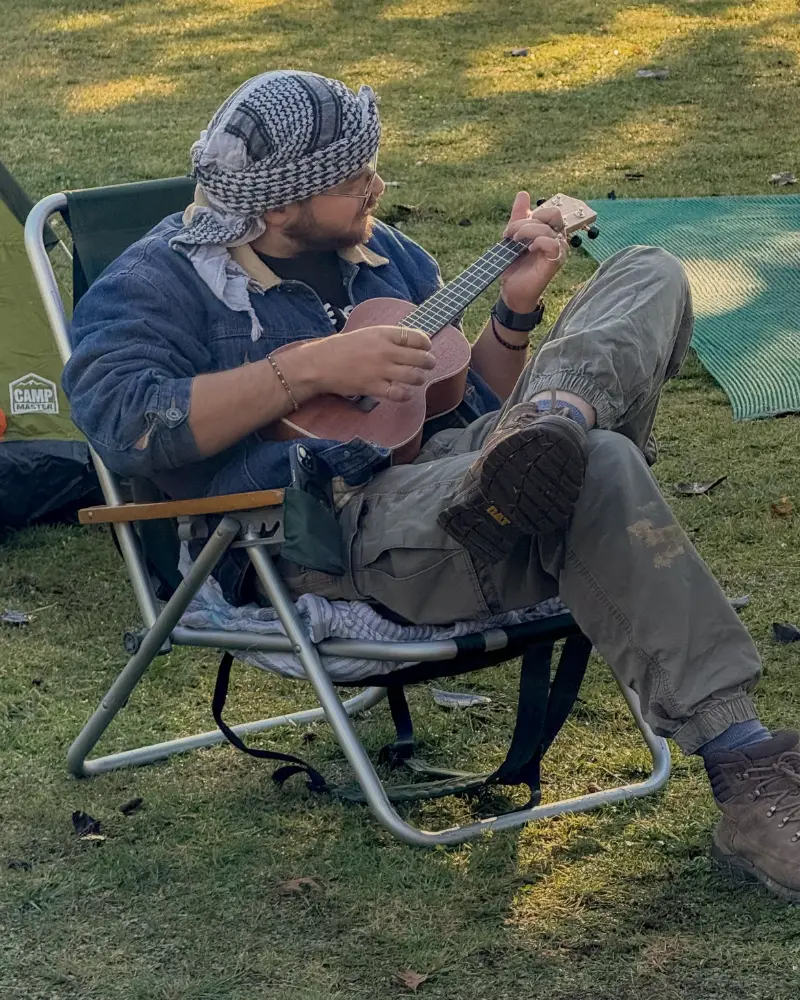
Lauwrens Reyneke playing a ukulele at a campsite

Made by

Lauwrens Reyneke

Software engineer

Hi, I'm Lauwrens. I wanted to turn a photo of someone close to me into a paint-by-numbers kit, and I didn't want to upload it to a big tech company to do it. So I built OutlineArt.

Everything happens in your browser, which means your photos never leave your device. It's free, with no ads and no sign-up, and I plan to keep it that way.

Support on Ko-fi

Ideas, bugs, or a painting to show off? I'd love to hear from you.

Drop me a line

Spotted a bug, wish it did something new, or finished a painting you're proud of? Tell me about it. Every message comes straight to me, and I read them all.

  • OutlineArt is a one-person side project, so a reply might take a few days, but it will come.
  • I'll only use your email to reply. No newsletters, and it's never shared. Privacy policy